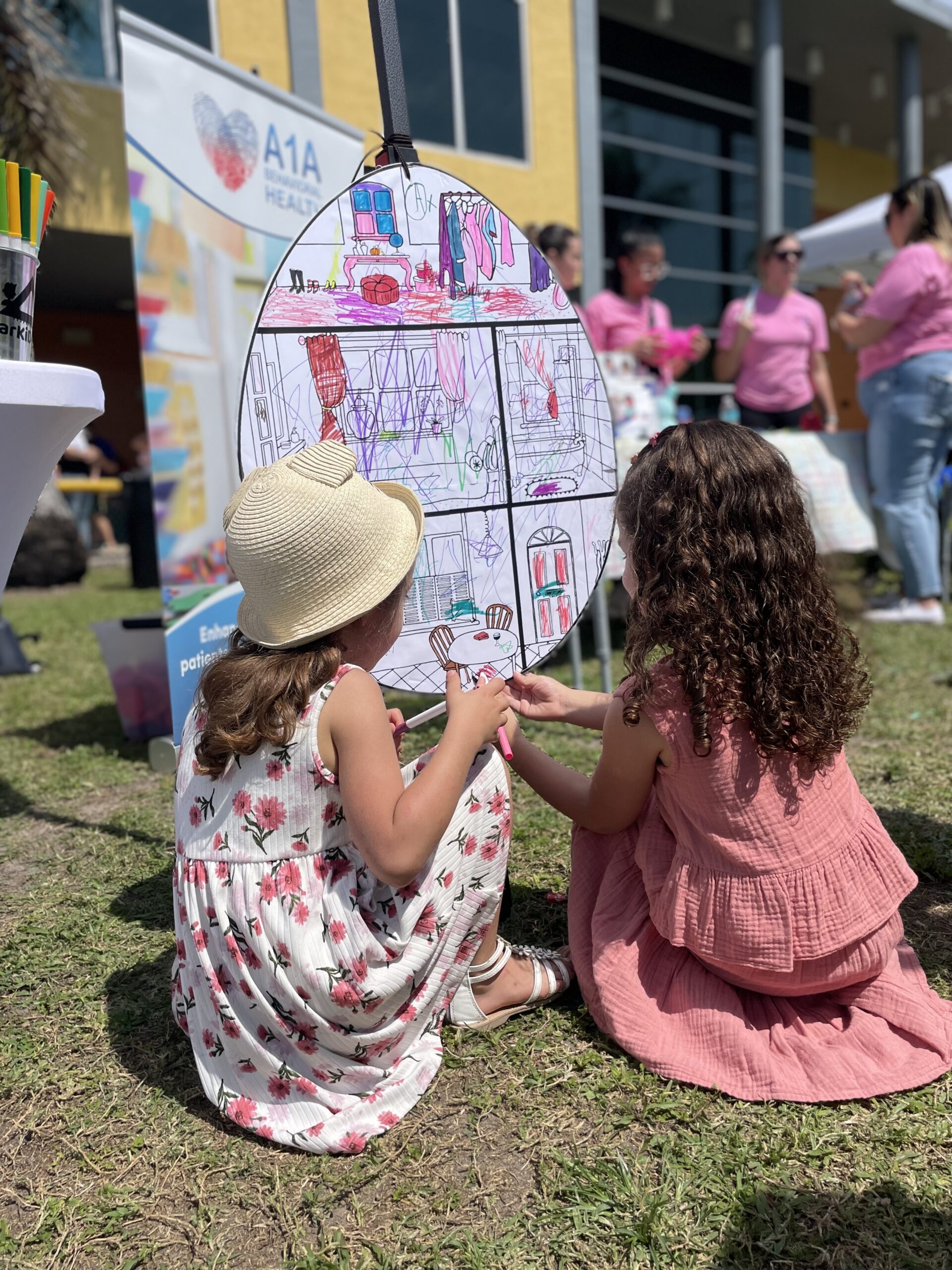
Professionals and companies, especially those introducing children to creative digital skills, often face challenges when teaching graphic design basics. Common difficulties include selecting accessible software, explaining design principles in a child-friendly way, and managing frustration when initial attempts don’t meet expectations. These struggles can delay or deter learning, reducing enthusiasm for visual creativity. Recognizing these obstacles can help educators and parents find more effective teaching methods tailored to children’s needs, aligning practical design skills with their developmental stage. Additionally, incorporating concepts of architectural thinking can support the understanding of composition and aesthetics from an early age, linking digital literacy with spatial awareness and problem-solving skills as seen in programs such as creative STEAM learning frameworks.
Clarity about these challenges is key to offering meaningful support. Introducing graphic design to children requires both the right tools and an approach that values hands-on experimentation, reflection, and iteration. Graphic design education for kids is more than just software use; it involves developing visual thinking, recognizing patterns, and fostering confidence to express ideas visually. From my experience working with children, I think the learning process should be paced thoughtfully to avoid overwhelming young learners while encouraging creative problem solving in practical contexts.
Key Points Worth Understanding
- Choosing the right software simplifies the initial experience and builds confidence.
- Visual literacy in children develops through both digital practice and physical sketching.
- Understanding basic design principles supports thoughtful logo creation.
- Iterative design encourages experimentation and learning from mistakes.
- Guidance from experienced educators can bridge the gap between technology and creativity.
What challenges do professionals face when teaching logo design to kids?
Professionals teaching graphic design to children often encounter a mismatch between available software complexity and children’s cognitive abilities. Many advanced graphic design programs require skills and patience that children have yet to develop, causing frustration or disinterest. Additionally, the lack of instructional materials designed specifically for children can make lesson planning difficult. Without suitable resources, educators may struggle to present concepts like color theory, shape balance, and typography in an accessible manner, limiting children’s conceptual grasp and creative expression.
How does software complexity affect children’s learning?
Complex graphic design software often includes features and tools that can overwhelm young users. Children may face steep learning curves that hinder their ability to create simple shapes or arrange elements effectively. This complexity can result in disengagement as children feel hindered by technical difficulties rather than creatively empowered. Selecting child-friendly software with intuitive interfaces and guided tutorials is essential to keeping their focus on design rather than tool mastery, enabling them to build skills incrementally and confidently.
For example, many professionals recommend platforms that combine drag-and-drop features with basic editing options to help children visualize and experiment freely. Avoiding programs designed primarily for professionals helps keep activities age-appropriate. This adjustment helps children enjoy the process without being bogged down by interface complexity, fostering a positive introduction to graphic design.
What instructional challenges do educators face?
Educators frequently note the absence of structured, child-centered curriculum material for teaching graphic design and logo creation. Unlike traditional subjects with clear lesson plans, graphic design requires integrating technical skills with creative thinking, which can be difficult without specialized resources. Additionally, conveying abstract concepts such as brand identity or symbolism in an understandable way for children remains challenging. This results in lessons that may lean heavily on software manipulation rather than meaningful design principles, limiting the depth of learning.
Successful instruction combines visual examples, practical exercises, and guided reflection to help children understand the purpose behind design choices. However, without access to such comprehensive resources, educators often resort to trial and error, impacting consistency and learning outcomes. Support from experienced instructors familiar with child development and graphic design pedagogy can mitigate these issues effectively.
How does children’s developmental stage influence learning graphic design?
Children’s cognitive and motor skills evolution strongly influences their ability to engage with graphic design software. Younger children may struggle with precise mouse control, spelling text, or visually organizing elements harmoniously. Their conceptual understanding of abstract ideas like balance or contrast is also in development, which complicates teaching sophisticated design concepts. As a result, lessons need to be tailored with simplicity, repetition, and variety to accommodate these stages, ensuring learning is accessible.
Integrating hands-on activities, such as sketching logos on paper before moving to digital tools, supports gradual skill building. Repetitive exploration helps internalize visual concepts over time, which is critical for meaningful learning. As Gökçe Saygın, I see architecture education as a helpful analogy because it links spatial reasoning to brand design, enriching children’s comprehension across disciplines.

Why do challenges in teaching graphic design to kids persist?
Persisting challenges arise from several core issues, including limited availability of age-appropriate digital tools, insufficient training for educators, and the gap between technology use and creative engagement. Many educational systems undervalue graphic design as a subject, leading to scarce resources and marginal curricular time. This neglect makes it hard for children to practice regularly and for educators to justify dedicating sufficient instructional energy. Moreover, an overemphasis on software mechanics rather than design thinking contributes to superficial learning experiences. These factors combined perpetuate the difficulty of effectively introducing graphic design concepts to children.
Why is software accessibility a continuing concern?
Accessible software designed specifically for children remains limited despite demand. Many mainstream graphic tools prioritize professional features, which are unnecessary and confusing for beginners. Free or low-cost options for children may lack robust features or instructional support. This scarcity forces educators and parents to adapt adult-oriented tools, increasing the risk of frustration for young learners. Without tools that recognize children’s interface needs, the learning experience often falls short of building sustained interest or competence.
Initiatives developing children-friendly digital art platforms are emerging, but adoption varies widely. Consistency in providing resources across educational settings would improve this situation, but for now, awareness and training remain key components for leveraging available tools well.
How does lack of specialized educator training affect outcomes?
Many educators tasked with teaching graphic design to children have limited background in digital arts or design principles. Their comfort level with software and capacity to translate design theory into child-friendly lessons may be low. Without formal training or access to curriculum frameworks, educators might focus too much on technical navigation instead of fostering creative exploration. This imbalance can stifle children’s design development, limiting the depth and enjoyment of learning.
Opportunities for professional development focusing on integrating graphic design into child education could improve outcomes. Equipping educators with both pedagogical tools and technical skills can create more dynamic, effective learning experiences. Collaboration between design professionals and teachers also enriches teaching strategies and content quality.
Why does the disconnect between technology and creativity remain?
The divide between technology use and nurturing creativity often persists in digital learning environments for children. Tools may emphasize product creation but overlook the cognitive processes behind design decisions. Consequently, children might produce designs without understanding the rationale, limiting transferable skills such as problem-solving or communication. This disconnect is reinforced by teaching methods that prioritize tool proficiency over insight into design thinking processes. Bridging this gap requires intentional teaching that integrates creative principles alongside software instruction.
From my experience working with children, I think embedding design thinking exercises into graphic design activities creates a more holistic learning pathway. Encouraging questions about audience, purpose, and aesthetics helps children move beyond technical skills to meaningful design reflection.
How can practical solutions improve introducing graphic design to kids?
Effective solutions center on using simple, intuitive graphic design software designed for young users, paired with structured yet flexible teaching approaches that prioritize creativity. This combination helps children focus on learning foundational design concepts without being overwhelmed by technical complexities. Emphasizing hands-on, project-based tasks such as logo creation encourages experimentation and iteration, which are vital for building skills and confidence. Technology should serve as a tool for expression rather than a barrier, guiding children through playful exploration while anchoring learning in real-world design principles. For instance, integrating visual storytelling can enrich logo activities by contextualizing design within communication goals, as explored in arKIDect’s resources on digital storytelling tools.
What software options are suited for children?
Selecting software with simple interfaces, clear navigation, and age-appropriate features is foundational. Programs that use drag-and-drop methods, templates, and guided tutorials work well for beginners. Applications such as Canva’s child-friendly versions or similar platforms enable children to manipulate images, text, and colors productively and with minimal frustration. These tools also foster creative independence by allowing children to explore design elements within safe parameters while producing meaningful outcomes like logos or posters.
Encouraging children to try different combinations and revisit previous attempts supports iterative learning. Such software options make learning accessible and adaptable to various age groups and experience levels, empowering children to take ownership of their creative process without unnecessary technological hurdles.
How does project-based learning support skill development?
Project-based learning grounds abstract design principles in concrete tasks, making concepts easier to grasp. Creating a logo offers a tangible goal, motivating children to apply color, shape, and typography ideas practically. This approach also cultivates planning, revision, and presentation skills. Children learn to critique and adjust their work in response to feedback or self-reflection, which improves both aesthetic judgment and problem-solving abilities.
For example, teachers can start with a group brainstorm about what makes an effective logo, followed by sketching sessions, digital design phases, and sharing results. This immersive process mirrors professional design practice on a simplified scale, helping children connect theory with action and reinforcing positive habits for lifelong learning in visual communication.
What role does educator guidance play in this process?
Educators serve as facilitators, clarifying concepts and providing constructive feedback. Their understanding of design principles and child development helps them scaffold instruction appropriately. Guidance ensures children remain focused on meaningful elements of graphic design beyond software operation, such as color harmony, balance, and messaging. Coaches can also help manage frustration by modeling problem-solving strategies and encouraging persistence.
With supportive mentors, children can navigate challenges with greater ease and gain a deeper appreciation of design as a thoughtful, iterative process. As Gökçe Saygın, I believe that thoughtful instructor involvement is essential to balance technical skill acquisition with creative expression, laying a foundation for confident design literacy.
What specific actions can parents and educators take today?
Starting small and focusing on achievable goals encourages consistent progress. Parents and educators might begin by exploring simple free design software with children, experimenting with basic shapes and color combinations to reinforce understanding. Setting aside dedicated time for logo-making projects provides structure without pressure, helping children build habits of focused creative work. Additionally, incorporating discussions about favorite logos or recognizable brands can enhance awareness about design choices and purpose, linking abstract lessons with everyday observations.
How to introduce software gradually?
Begin by showing children how to navigate the chosen program’s workspace and tools slowly. Use demonstration rather than self-guided exploration initially to reduce frustration. Sharing step-by-step tasks, like placing shapes or choosing fonts, builds familiarity. Gradual exposure allows children to gain comfort before tackling more open-ended tasks like original logo creation.
This approach prevents overwhelm and supports positive associations with technology use. Simple challenges that result in visible success foster motivation to continue learning.
How to encourage creative thinking during logo design?
Ask children questions about the meaning behind their design choices, such as why certain colors or shapes were selected. Encouraging them to describe the story or message their logo conveys deepens engagement with intentional design. Allowing freedom to experiment and revise teaches flexibility and problem-solving. Pairing verbal reflection with drawing sessions helps connect abstract ideas with tangible creation.
These practices develop critical thinking by linking aesthetics with communication goals. Children become designers who think about audience and purpose, not just about tool use.
How to build feedback and revision cycles?
Introduce structured opportunities for children to present their logos and receive comments from peers, family, or educators. Frame feedback positively, focusing on what works well and where improvements may enhance clarity or appeal. Encourage children to try revisions based on suggestions, reinforcing that design is iterative. This routine models professional creative processes and builds resilience.
Over time, feedback cycles help children refine discernment and expression. Supporting constructive critique in safe environments nurtures confidence and continuous improvement.
How can professional guidance support children learning graphic design?
Professional guidance provides tailored instruction, resources, and encouragement that align with children’s developmental needs and interests. Trained educators who understand both graphic design and child learning differentiate instruction and structure activities to pace skill acquisition effectively. They also introduce relevant terminology and creative frameworks that deepen understanding. Such support can turn initial confusion or hesitation into curiosity and competence, creating lasting interest and skill at an early age.
What are the benefits of experienced instructors?
Experienced instructors can customize lessons, anticipate common challenges, and provide clear explanations suited to children’s attention spans and cognitive levels. They foster a supportive atmosphere where questions are welcomed and experimentation is safe. Their guidance helps bridge theory and practice, making abstract design principles concrete through examples and projects. This targeted support accelerates learning and builds confidence, which can be difficult to achieve in unsupervised settings.
Professional instruction also introduces children to broader creative possibilities and next steps, inspiring sustained engagement beyond initial lessons.
How does collaboration with peers enhance learning?
Group settings guided by professionals give children opportunities to share ideas, compare approaches, and learn from each other. Collaborative critique and brainstorming sessions develop communication and social skills alongside design competencies. Peer interaction adds motivation and variety, enriching the educational experience. Children learn diverse perspectives and strategies, which broadens their creative toolkits.
Involving peer collaboration in design education fosters teamwork and empathy, proving valuable for overall development.
How do professional programs integrate graphic design with other subjects?
Professional programs often link graphic design education with areas like storytelling, engineering, or architecture to create integrated learning experiences. These interdisciplinary approaches illustrate how design skills apply in different contexts, reinforcing relevance. For example, aligning logo design with brand narratives connects language arts and visual literacy. Introducing spatial reasoning through architectural principles complements graphic composition learning. Such multifaceted engagement promotes deeper understanding and keeps learning dynamic.
A resource like arKIDect demonstrates how integrating creative disciplines can enhance both design skills and broader cognitive development.
For those interested in structured support and expert advice, contacting arKIDect offers resources and programs tailored to introduce children to graphic design thoughtfully. Their approach blends creativity with logical thinking, supporting children’s digital literacy and design abilities effectively (contact arKIDect).
Frequently Asked Questions
What software is best for beginners learning graphic design?
For children just starting, simple platforms like Canva for kids or similar drag-and-drop software are ideal. They provide essential design tools with user-friendly interfaces that encourage exploration without technical overwhelm.
How can I support my child’s creativity when they learn logo design?
Encourage experimentation and reassure that making mistakes is part of the process. Provide materials for sketching ideas offline before going digital, and discuss the purpose behind each design choice to deepen understanding.
Can graphic design lessons improve other skills?
Yes, learning graphic design enhances visual literacy, fine motor skills, problem-solving abilities, and communication skills. It also fosters critical thinking by making children consider how visuals convey messages effectively.
How much screen time is appropriate for children learning design?
Balancing screen time with offline creative activities is important. Short, focused sessions with breaks encourage productivity without fatigue. Incorporating hand drawing or model making enriches learning beyond digital tools.
Where can I find structured graphic design programs for children?
Educational organizations specializing in STEAM and creative learning offer programs tailored to children’s developmental stages. Programs like those offered by arKIDect provide guided experiences that blend digital tools with hands-on projects.